Office Calculator Chrome Extension: Fast, Private Calculations Without Leaving Your Tab
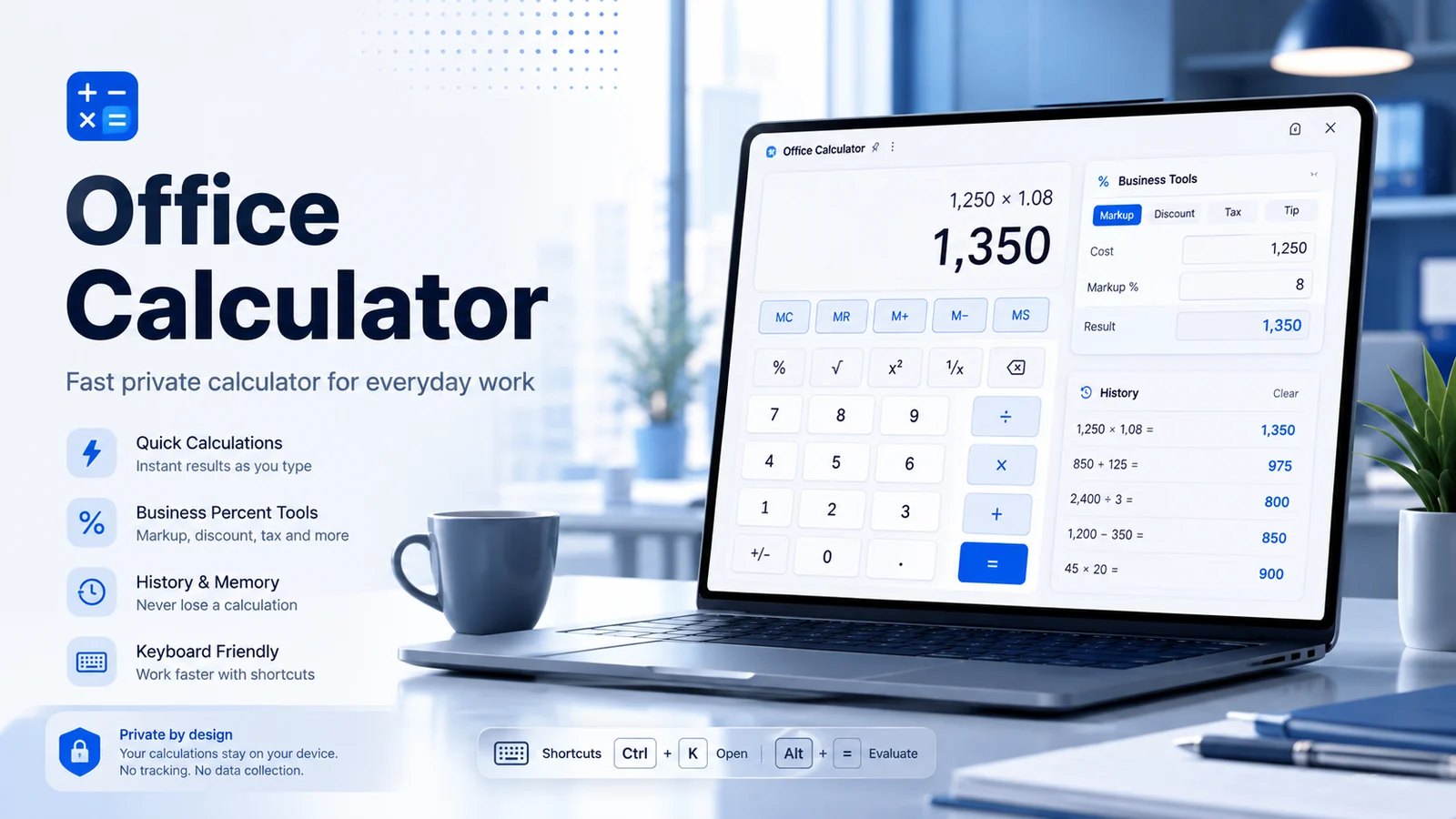
When a quick calculation interrupts your workflow, opening a new website or searching for a calculator can feel surprisingly disruptive. Office Calculator is designed to keep common calculations close at hand in Chrome, with a focused interface that opens from the browser toolbar and keeps calculation data on the device.
Everyday calculations without extra tabs
The extension covers the calculations people reach for most often: addition, subtraction, multiplication, division, percentages, square roots, positive and negative values, decimals, and large numbers. Clear-entry, clear-all, and backspace controls make it practical for repeated office calculations rather than a one-off demo.
For keyboard users, number keys and operators can be used directly. Enter or equals evaluates the expression, Backspace removes the last digit, Delete clears the current entry, and Escape clears the calculator. That keyboard support is especially useful when you are working through several figures in a spreadsheet, invoice, quotation, or report.
Business percentage tools built in
Office work often involves more than basic arithmetic. The extension includes percentage-oriented business tools for increases and decreases, discounts and final prices, tax amounts and totals, markup, profit margin, cost, selling price, and profit. Keeping these related calculations in one interface reduces the need to remember formulas or jump between multiple calculator pages.
A useful workflow is to use the standard calculator for raw figures, then switch to a business tool when you need to interpret those figures as a discount, margin, markup, or tax result.
History and memory for repeated work
Recent calculations can be reviewed in the history area, and previous results can be reused. Memory controls are also available for storing a value while working through a multi-step calculation. The history is saved locally in the browser and can be cleared whenever you choose.
This is a small feature that becomes valuable during repetitive work: you can confirm the numbers you entered, compare a new result with an earlier one, or copy a result without having to reconstruct the calculation.
Private by design and useful offline
Office Calculator does not require an account and its store listing states that calculations, history, memory values, and theme preferences stay locally inside the extension. It also works without an internet connection, so the calculator remains available when connectivity is unreliable or when you simply prefer a local tool.
Light, dark, and system themes let the interface follow your working environment. The combination of local storage, keyboard control, business tools, and offline access makes the extension particularly suited to short calculations that need to happen quickly and quietly in the background of other work.
Who will find it useful?
The strongest use case is not replacing a full spreadsheet or accounting system. It is handling the dozens of small calculations that happen between larger tasks: checking a percentage, confirming a total, testing a discount, estimating markup, or keeping a running value in memory.
Because it opens directly in Chrome, the extension works well as a lightweight utility alongside email, web-based office tools, online stores, dashboards, and documents.
Try Office Calculator
Open the official Chrome Web Store listing to review the current extension details, permissions, privacy information, and installation option.
Explore more SemiOffice extensions
Visit the SemiOffice articles collection for more guides to productivity tools and browser-based office workflows.
Share with Friends


