WhatsApp Marketing Message Template Guide: Categories, Approval, Variables and Examples
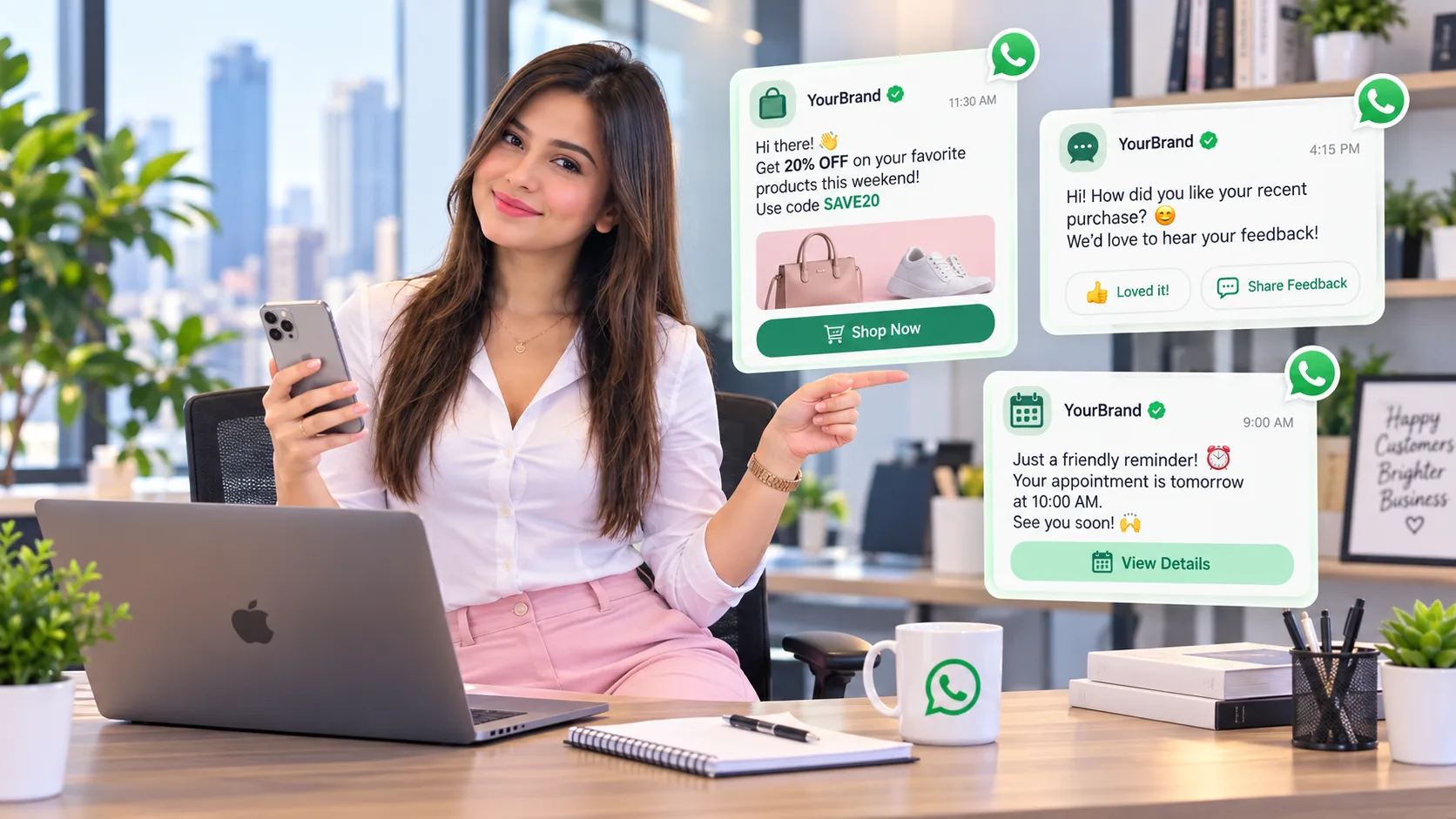
A WhatsApp marketing message template is not simply a saved paragraph. On the official WhatsApp Business Platform, templates are structured message formats that Meta can review and approve for business-initiated outreach outside the active customer service window.
Turn opted-in contacts into organized campaigns, approved-template workflows, follow-ups and shared customer conversations. SemiOffice provides contacts, campaigns, templates, automation and reporting in one workspace while keeping WhatsApp/Meta messaging fees separate.
Open WhatsApp Marketing →1. When an approved template is required
When a customer messages your business, a 24-hour customer service window opens. During that window you can respond normally. Outside the window, business-initiated messages on the official Platform generally use approved templates.
2. Main template categories
| Category | Purpose | Example |
|---|---|---|
| Marketing | Promotions, offers, announcements, product suggestions, re-engagement | “Hi {{1}}, enjoy 15% off {{2}} until {{3}}.” |
| Utility | Transaction- or service-related updates requested or expected by the customer | “Your order {{1}} has shipped and is expected on {{2}}.” |
| Authentication | One-time passwords and identity verification | “{{1}} is your verification code.” |
3. Anatomy of a template
- Header: optional text or supported media depending on template design
- Body: the main message and variables
- Footer: optional supporting text such as terms or a brief reminder
- Buttons: supported quick replies or call-to-action buttons
- Variables: placeholders filled with customer-specific or transaction-specific values
4. Good variable use
Variables should replace meaningful information such as a customer name, order number, appointment date or product. Avoid templates that are almost entirely variables because they become difficult to understand and review.
Clear example
Hi {{1}}, your appointment with {{2}} is confirmed for {{3}}. Reply if you need to reschedule.
5. Marketing template examples
Product launch
Hi {{1}}, our new {{2}} is now available. See what is new here: {{3}}.
Limited-time offer
Hi {{1}}, enjoy {{2}} off selected items until {{3}}. Shop here: {{4}}.
Restock alert
Good news, {{1}} — {{2}} is back in stock. View availability: {{3}}.
Win-back
We would love to see you again, {{1}}. Here is {{2}} for your next order before {{3}}.
6. Utility template examples
Order status
Your order {{1}} is on the way. Estimated delivery: {{2}}.
Appointment reminder
Reminder: your appointment is scheduled for {{1}} at {{2}}. Reply if you need help.
Payment confirmation
We received payment {{1}} for order {{2}}. Thank you.
7. Why templates get weak results
- the recipient did not expect the message
- the template is too generic
- the offer is irrelevant to the segment
- the call to action is unclear
- the business sends too frequently
- the template category does not match the actual purpose
Use the free SemiOffice generator to draft welcome, promotion, follow-up, reminder or feedback copy. It creates draft wording; it does not replace official Meta template approval.
Open Template Generator →Continue with message cost & pricing, message limits, image & media sizes, message template guide, or browse the complete resource hub.
Frequently asked questions
When do I need an approved template?
On the WhatsApp Business Platform, business-initiated messages outside the 24-hour customer service window generally require an approved message template.
What are the main template categories?
The main template categories are marketing, utility and authentication.
Can a template include buttons?
Yes. Depending on template type and current platform capabilities, templates can include supported call-to-action or quick-reply buttons.
Does the SemiOffice generator approve templates with Meta?
No. It helps draft message copy. Official template approval still happens through your connected WhatsApp Business Platform process.
Share with Friends


