WhatsApp Marketing Rules: Practices That Can Get Accounts Restricted or Banned
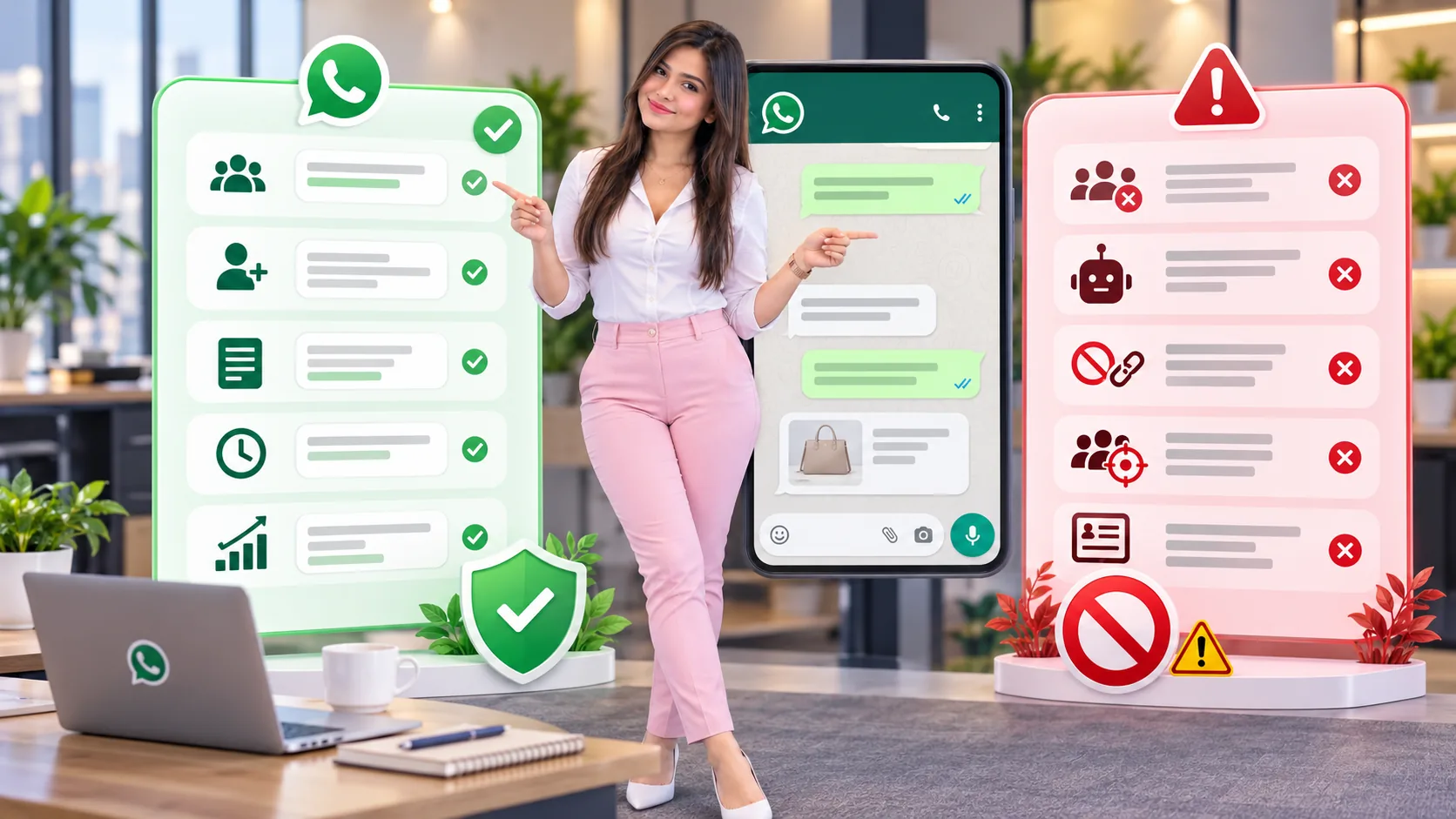
Businesses often ask about “illegal ways” or “what gets banned” because they see shortcuts advertised online. In practice, shortcuts that rely on unsolicited bulk messaging, deception or poor customer experience tend to produce the same outcomes: more complaints, lower trust and a greater chance of restrictions. Depending on the jurisdiction, some tactics may also create legal risk.
Core messaging rules
- Get consent: message people who gave their number and permission.
- Identify your business clearly: do not impersonate another business or person.
- Honor opt-outs: if someone says stop, remove them from the marketing flow.
- Avoid surprise messaging: customers should understand why they are hearing from you.
- Keep business information accurate: support details, profile information and communication purpose should stay clear.
When customers receive unexpected, irrelevant or repetitive messages, negative feedback rises. Even technically possible tactics can damage account health if they create a poor experience.
The 24-hour customer service window
When a customer messages your business, a 24-hour customer service window opens. Within that period you can reply more freely. Outside that window, business-initiated communication on the official WhatsApp Business Platform generally relies on approved templates.
| Situation | What it means in practice |
|---|---|
| Customer recently messaged you | You are in an active conversation and can respond normally within the service window. |
| Customer has not messaged recently | Business-initiated outreach on the official platform generally requires approved templates. |
| Marketing or promotional outreach | Needs to stay relevant, permission-based and aligned with official product rules and user expectations. |
High-risk practices that can lead to restrictions
They create spam complaints, break user trust or conflict with platform rules. In some countries, they may also create legal or regulatory exposure.
- buying or scraping phone-number lists
- cold-messaging strangers in bulk
- ignoring opt-out requests
- using deceptive identities
- sending the same message repeatedly without value
- using unofficial bulk-sender tactics to flood contacts
- harvesting contacts from groups or public websites
- adding people to promotional groups without consent
- misleading urgency or fake offers
- rotating numbers simply to avoid poor account quality
Sensitive categories and restricted areas
Businesses should also be careful about what they market. Some categories are prohibited or restricted under WhatsApp business policies, and some may require additional legal review depending on country, licensing or age-gating requirements. Examples can include gambling-related content, some financial offers, health claims, adult products and other restricted commercial activity.
Safer alternatives that still drive growth
The SemiOffice WhatsApp Marketing workspace is built around opted-in contacts, suppression checks, approved templates and official WhatsApp Business Platform credentials, so it fits the safer workflow described below.
Use website forms, checkout consent, QR codes and support conversations to invite customers properly.
Target messages to the right audience so customers receive fewer but more relevant campaigns.
Order updates, helpful reminders and post-purchase care often strengthen trust and later improve sales.
Make it easy for customers to say stop or choose fewer updates.
A short safety checklist
- Did these contacts knowingly opt in?
- Would they expect this type of message?
- Is the message accurate, honest and relevant?
- Are you using the correct official method for the type of outreach?
- If someone says stop, is your process ready to honor it immediately?
For more planning help, read the WhatsApp marketing course and the strategy guide. If you need safer copy examples, use the message examples article.
Continue with message cost & pricing, message limits, image & media sizes, message template guide, or browse the complete resource hub.
Frequently asked questions
Why do WhatsApp business numbers get restricted?
Often because customers report messages, messaging feels spammy or deceptive, or consent and opt-out expectations are ignored.
Is it safe to scrape numbers or buy contact lists?
No. That creates a poor user experience and can lead to reports, blocks and account restrictions.
Can I message customers outside the 24-hour window?
On the official platform, business-initiated messages outside the 24-hour customer service window generally require approved templates.
What is the safest long-term approach?
Collect clear opt-in, identify your business honestly, send relevant messages and honor opt-outs immediately.
Share with Friends


