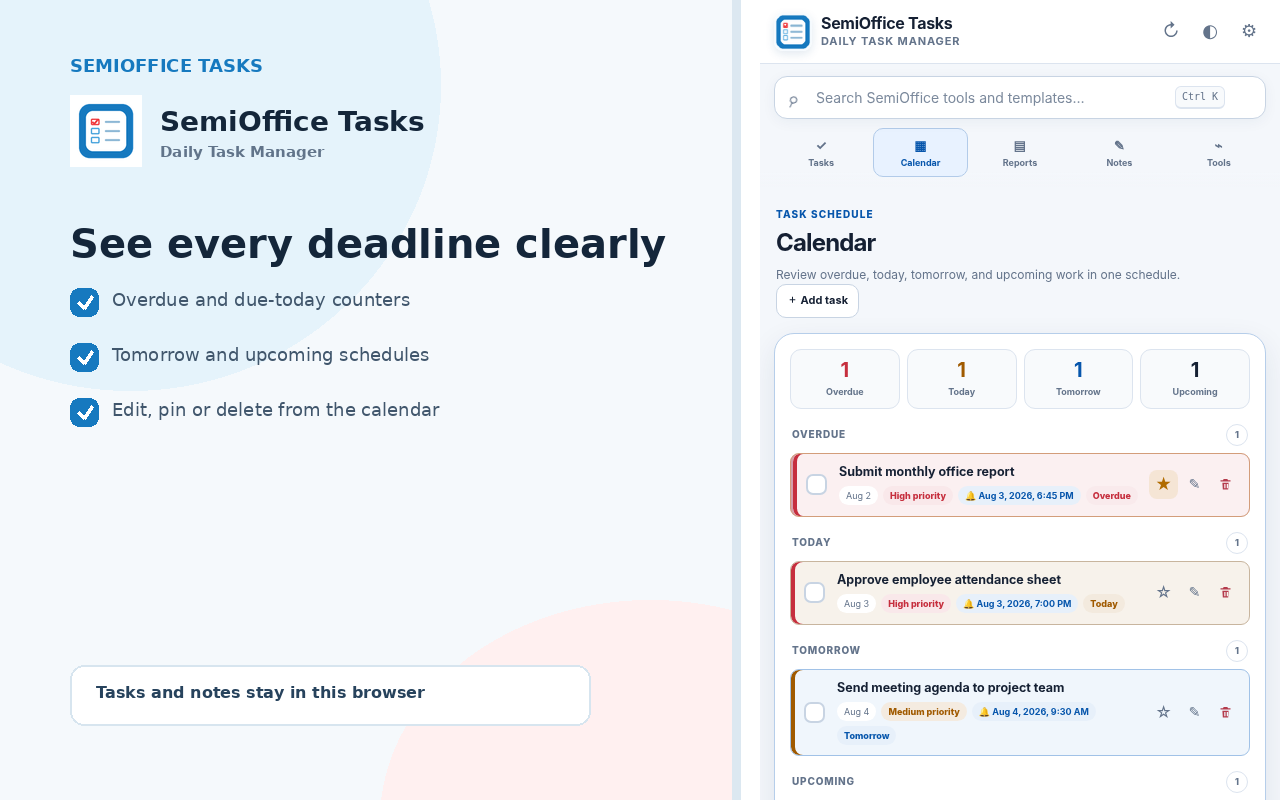
Overdue and due today
Overdue work receives red emphasis. Tasks due today use an amber status so deadlines are difficult to miss.
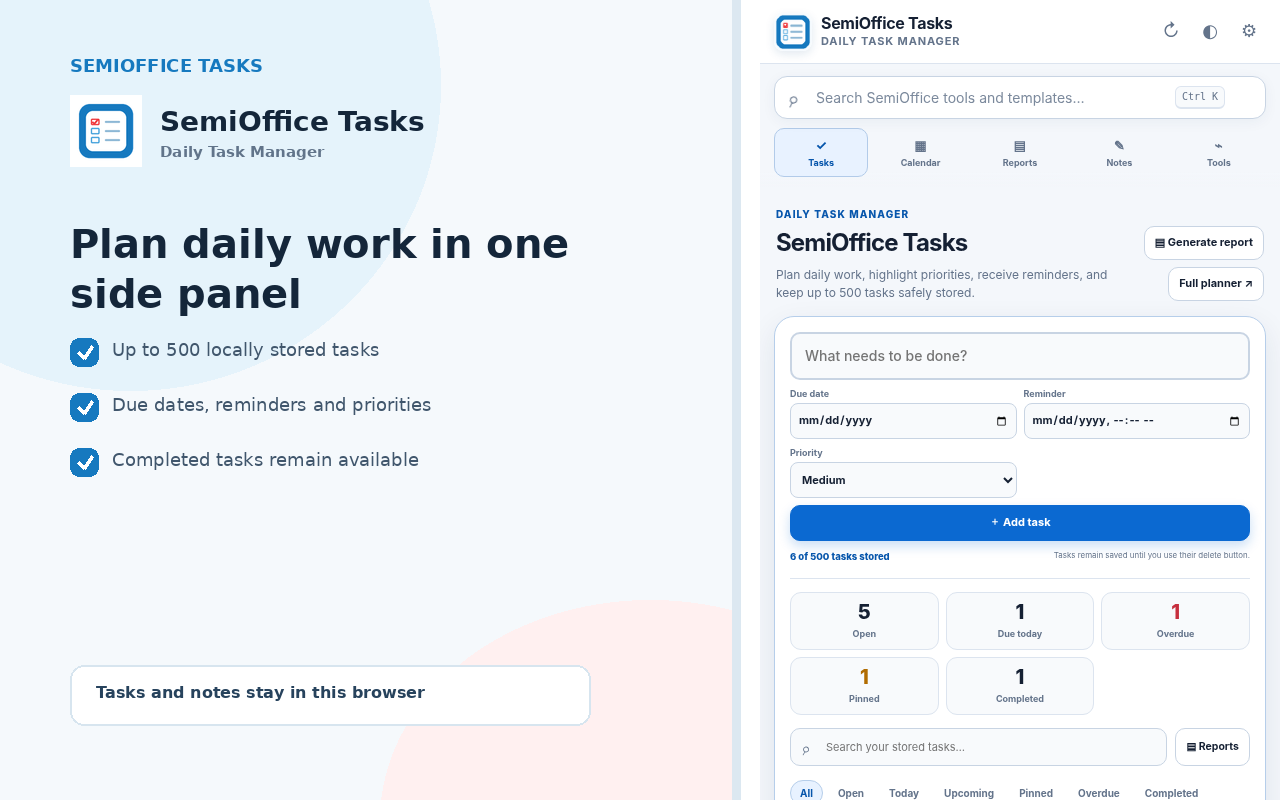
Create tasks, highlight priorities, receive browser reminders and generate productivity reports from Chrome's side panel. No account is required.

SemiOffice Tasks keeps the main workflow focused on adding, completing, reviewing and reporting tasks.
Task cards use clear labels and borders for priority, due status, reminders and completion.
Overdue work receives red emphasis. Tasks due today use an amber status so deadlines are difficult to miss.
Star important work to keep it above ordinary tasks while preserving its due date and priority details.
Only the red trash icon can remove a task, and deletion requires confirmation.
Open the official listing, add the extension to Chrome and pin its toolbar icon.
Enter a task, due date, reminder and priority. Pin anything especially important.
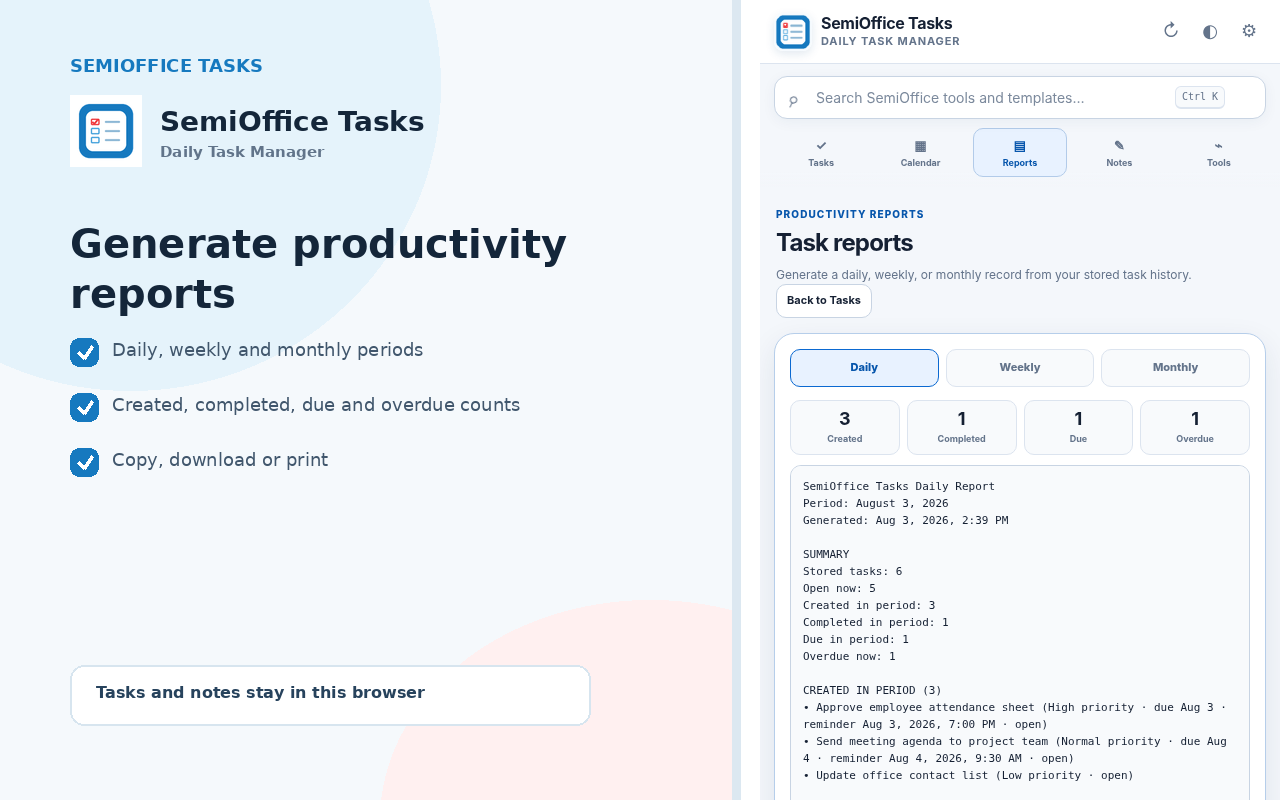
Use Calendar and Reports to review activity and create a reusable work summary.
Install from the official Chrome Web Store listing.